Intel Core i5-13400F + NVIDIA GeForce RTX 4090
Will they bottleneck? Here’s the verdict at 1440p gaming — and how it shifts with resolution.
Intel Core i5-13400F
10c / 16t · 4.6 GHz · 65W
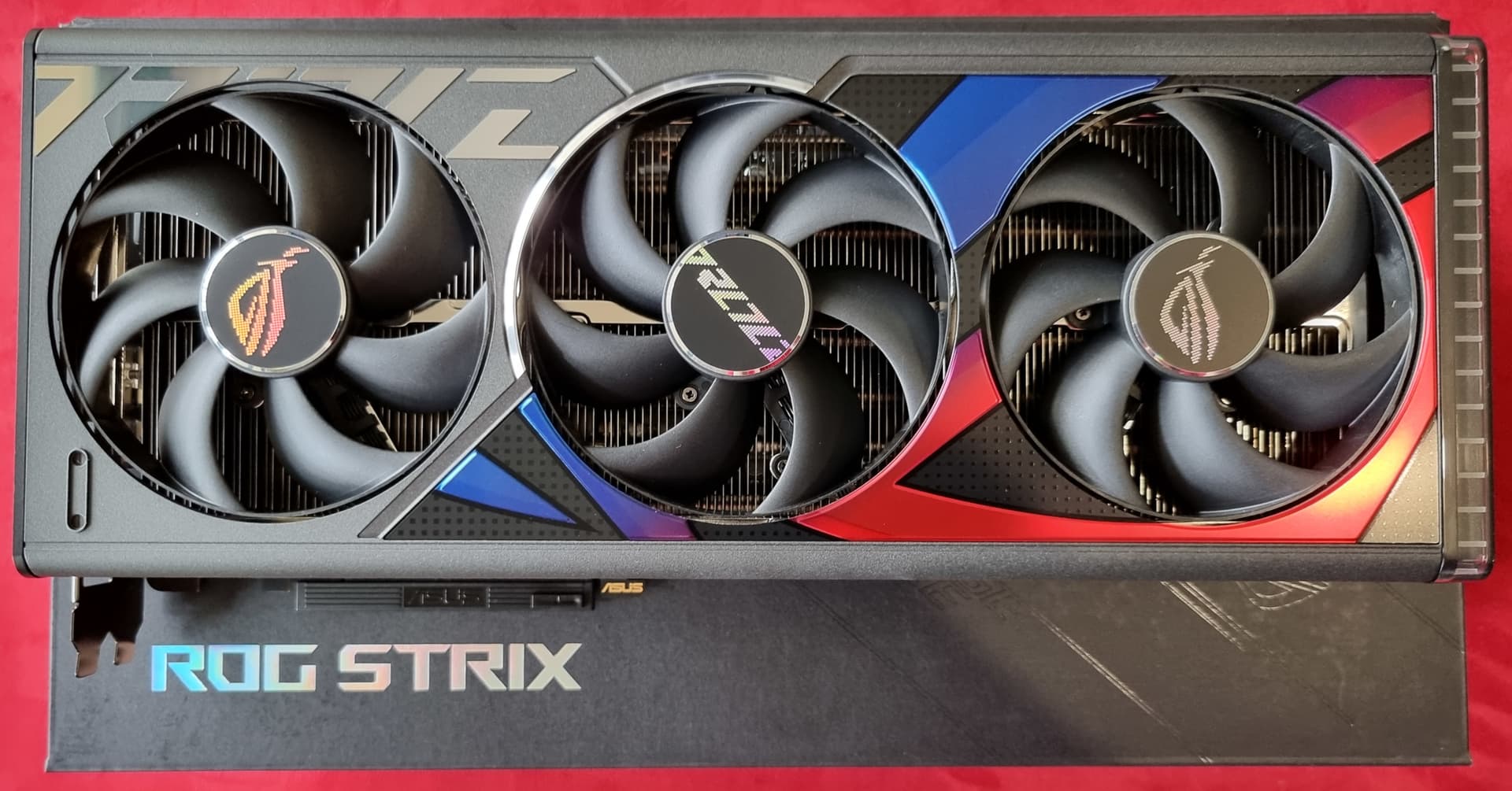
NVIDIA GeForce RTX 4090
24 GB VRAM · 82.6 TFLOPS · 450W
2% CPU-bound. The Intel Core i5-13400F is holding back the NVIDIA GeForce RTX 4090.
CPU limits 1440p performance — single-thread headroom is the constraint at this resolution.
GRADE
S
PSU MIN
950W
CONFIDENCE
86%
THE SHORT ANSWER
The Intel Core i5-13400F + NVIDIA GeForce RTX 4090 pairing is rated Grade S for 1440p gaming with a recommended 950W PSU. Resolution-by-resolution: 1080p: 4% CPU-bound, 1440p: 2% CPU-bound, 4K: balanced. CPU and GPU bottleneck verdicts depend on resolution — a pairing that is CPU-bound at 1080p is often perfectly balanced at 4K because the GPU does more work per frame as pixel count increases.
Engine accuracy: 21.6% MAE on measured FPS · methodology
Plain-English breakdown.
What this pairing actually means when you sit down to play.
The Intel Core i5-13400F + NVIDIA GeForce RTX 4090 pair is 2% CPU-limited at 1440p. That story changes at other resolutions — see the breakdown below. As a build, it grades elite-tier (S).
Expect around 340 FPS in League of Legends and ~92 in the more demanding Starfield — both at 1440p with high or ultra presets. Resolution matters more than most calculators show — the same parts give different verdicts at 1080p, 1440p, and 4K because GPU work scales with pixel count while CPU work is roughly fixed per frame.
If you upgrade the cpu, the AMD Ryzen 5 7600 is the closest higher-tier option — see the swap recommendations below for the FPS lift. Plan on at least a 950W PSU — that includes headroom for transient spikes on the NVIDIA GeForce RTX 4090.
The same pair gives a different answer at 1080p, 1440p, and 4K.
Higher resolutions push work onto the GPU — watch the balance shift.
1080P
4% CPU-bound
1440P
2% CPU-bound
4K
Balanced
These CPUs would unlock more of the NVIDIA GeForce RTX 4090.
A better-matched processor closes the gap — best gain per dollar first.
Affiliate links — we earn a small commission on Amazon purchases at no cost to you, which keeps the calculator free. Full disclosure.
Expected frame rates in 10 popular games.
At 1440p, high settings — measured where we have benchmarks, modeled otherwise.
- League of Legends340 fps · Estimated · low
- Apex Legends296 fps · Estimated · low
- Forza Horizon 5149 fps · Estimated · low
- The Witcher 3: Wild Hunt152 fps · Estimated · low
- Call of Duty: Warzone120 fps · Estimated · low
- Alan Wake 296 fps · Estimated · low
- Hogwarts Legacy93 fps · Estimated · low
- Starfield92 fps · Estimated · low
Compare similar builds.
Swap one part and see how the verdict moves.
Building around the NVIDIA GeForce RTX 4090? Read our tested guide: Best CPU for the NVIDIA GeForce RTX 4090 →
Common questions.
Straight answers for the Intel Core i5-13400F + NVIDIA GeForce RTX 4090.
Can the Intel Core i5-13400F run the NVIDIA GeForce RTX 4090?
Yes, the Intel Core i5-13400F will run the NVIDIA GeForce RTX 4090, but it's the limiting part — at 1440p the pair is 2% CPU-bound, so the Intel Core i5-13400F can't fully feed the NVIDIA GeForce RTX 4090 and you'll leave some frames on the table (most noticeable at 1080p and high-refresh). The swap suggestions below list CPUs that unlock more of the NVIDIA GeForce RTX 4090.
Will the NVIDIA GeForce RTX 4090 bottleneck the Intel Core i5-13400F?
The Intel Core i5-13400F + NVIDIA GeForce RTX 4090 pairing is rated Grade S for 1440p gaming with a recommended 950W PSU. Resolution-by-resolution: 1080p: 4% CPU-bound, 1440p: 2% CPU-bound, 4K: balanced. CPU and GPU bottleneck verdicts depend on resolution — a pairing that is CPU-bound at 1080p is often perfectly balanced at 4K because the GPU does more work per frame as pixel count increases.
What PSU do I need for a Intel Core i5-13400F + NVIDIA GeForce RTX 4090 build?
For a Intel Core i5-13400F (65W TDP) paired with a NVIDIA GeForce RTX 4090 (450W TDP), we recommend a 950W power supply at minimum. This includes 40% headroom over the parts' combined TDP plus 100W for the motherboard, RAM, fans, and storage.
Run your own combination.
Swap in a different CPU, GPU, resolution, or use case and get a fresh verdict — in under 30 seconds.
Affiliate links — we earn a small commission on Amazon purchases at no cost to you, which keeps the calculator free. Full disclosure.